
How to Data Wipe Your Smart Device
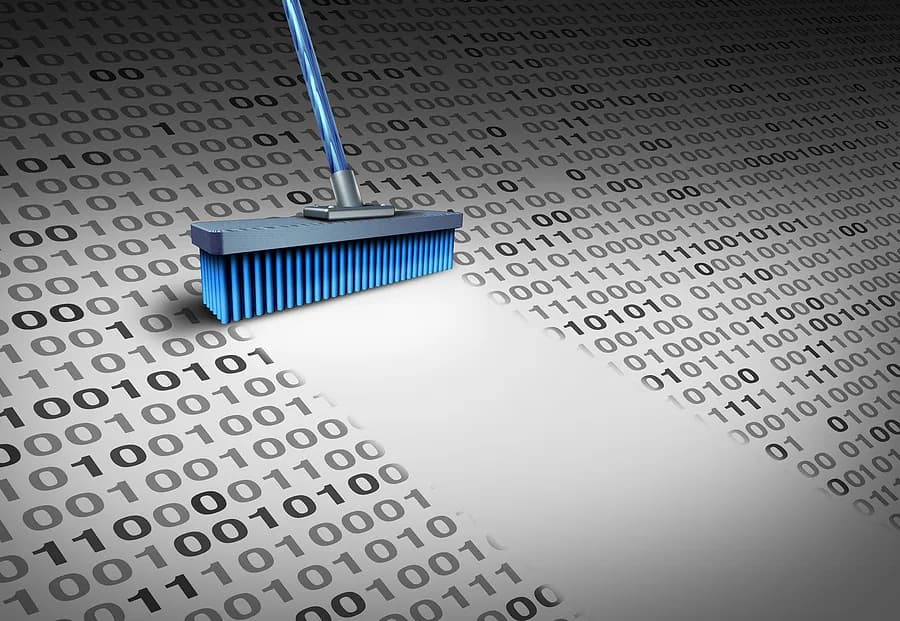
Smart devices, including smartphones, tablets, and laptops, store a huge amount of personal and financial data. Before you sell or trade your device, you’ll need to perform a complete data wipe to remove all the sensitive information from it. Simply deleting files or performing a factory reset isn’t enough because there are data recovery tools that can still retrieve information.
Why Wiping Data Is Essential Before Reselling
Many users don’t take the necessary steps to remove their data effectively. This oversight can lead to serious security risks, including:
- Identity theft: Personal details, including login credentials and bank information, can be exploited by cybercriminals.
- Unauthorized access: Residual data can allow third parties to access social media accounts, emails, and cloud services.
- Privacy breaches: Photos, messages, and other private data can be retrieved even after a factory reset.
Using a professional data wipe solution ensures the complete removal of user data, safeguarding both the seller and the buyer.
The Limitations of Factory Resetting Your Device
Many users assume that a factory reset is sufficient to remove personal data. However, this method only deletes file addresses, meaning the actual data remains on the device until it’s overwritten. With the right software, data thieves can recover erased files, posing a significant security risk.
Factory Reset Process:
For iPhone:
- Go to Settings > General > Reset.
- Select Erase All Content and Settings.
- Enter your Apple ID and password if prompted.
- Confirm and wait for the process to complete.
For Android:
- Open Settings > System > Reset Options.
- Tap Erase All Data (Factory Reset).
- Confirm and wait for the process to complete.
While a factory reset removes visible data, it doesn’t completely remove it. A dedicated data wipe is necessary to completely remove it.
How to Perform a Secure Data Wipe
A secure data wipe is the best way to ensure that all personal data is permanently erased and unrecoverable. Specialized data erasure tools overwrite existing data multiple times using cryptographic methods, ensuring that even advanced recovery software cannot retrieve any information.
Using Data Wipe Software:
- Download a reputable data erasure tool onto your computer.
- Connect the device via USB and launch the software.
- Select the Erase All Data option.
- Confirm and start the wiping process.
- Perform a factory reset afterward to clear residual system settings.
Choosing the Right Data Wipe Software
When selecting a data wipe tool, consider the following features:
- NIST 800-88 compliance for certified data erasure.
- Compatibility with both Android and iOS devices.
- High-speed processing to handle multiple devices efficiently.
- Advanced encryption to protect residual data.
- Automation features for bulk device processing.
One highly reliable solution is Phonecheck, which offers industry-standard data erasure, ensuring complete removal of personal data while maintaining device functionality.
Key Takeaways
Wiping data from smart devices before selling them is not just a security measure—it’s a necessity. While factory resets provide basic protection, they do not guarantee complete data removal. Utilizing a specialized data wipe ensures that sensitive information is permanently erased and unrecoverable, providing peace of mind to both sellers and buyers.
For a secure and efficient data erasure process, consider using Phonecheck to certify and protect your devices before reselling. Take the extra step to ensure your data stays private—because your security matters.