
Spotting a Replaced iPhone Screen
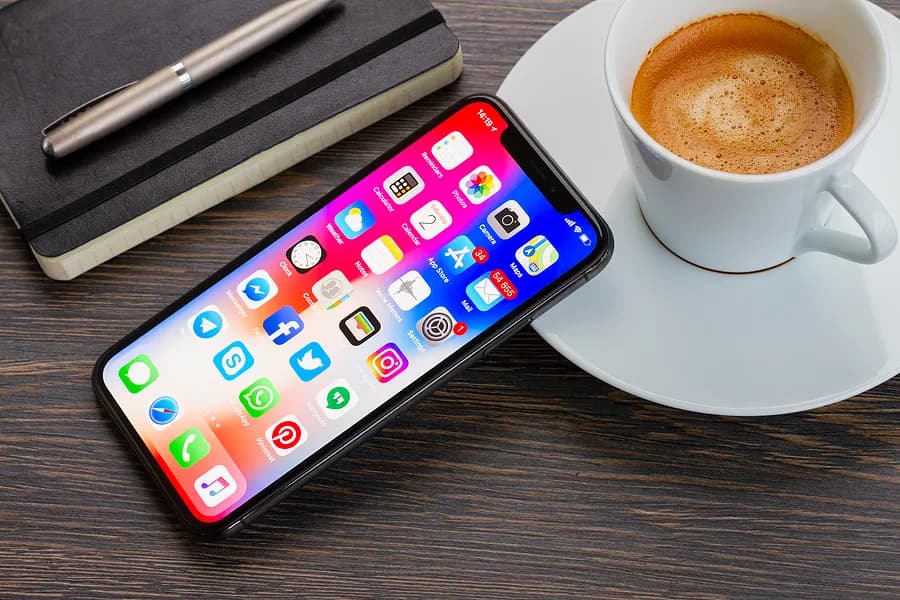
The allure of a used iPhone can be strong. You can snag a fantastic device at a fraction of the retail price. But before you jump into that sweet deal, verifying the phone's condition, particularly the screen, is crucial. Here's your guide to uncovering potential replacements and ensuring you get a genuine iPhone screen on your used purchase.
Apple Verification for iPhone 11 and Later
If you're eyeing a used iPhone 11, 11 Pro, or any later model, Apple offers a handy built-in verification tool:
- Power on the iPhone and access the Settings app.
- Navigate to General and then About.
Look for the Parts and Service History section. Under "Display," you'll see "Genuine Apple Part" if the screen is original. An "Unknown Part!" message indicates a non-genuine, used, or malfunctioning screen – a red flag for potential quality issues.
Check for Grid Lines
Here's a quick on-the-spot check you can perform with any iPhone model:
- In a dim environment, turn off the iPhone.
- Shine a flashlight directly onto the screen.
Observe the reflection. A genuine iPhone screen should appear uniformly black, with no visible grid pattern. Counterfeit screens often exhibit a grid-like distortion under a flashlight due to lower-quality materials or manufacturing inconsistencies. The presence of grid lines doesn't guarantee a fake screen, but it warrants further investigation.
Look for Signs of a Subpar Replacement
A keen eye can reveal additional clues about the screen quality:
- Color Accuracy and Viewing Angles: Original iPhone screens boast exceptional color accuracy and wide viewing angles. If the colors appear dull, washed out, or distort at certain angles, it might be a sign of a lower-grade replacement.
- Touch Responsiveness: Genuine iPhone screens offer smooth and responsive touch interactions. Lag, unresponsiveness, or difficulty registering touches suggest a screen with inferior touch sensitivity.
- Oleophobic Coating: Original screens come with a special oleophobic coating that repels fingerprints and smudges. Excessive screen greasiness or fingerprints could indicate a missing or compromised oleophobic coating, often found in cheaper replacements.
Inspect the Overall Condition
Remember, a replaced screen isn't necessarily a dealbreaker. However, it's wise to consider the overall condition of the phone. Look for signs of physical damage, water exposure, or malfunctioning buttons.
Get Help From a Professional
If you're unsure about the screen's authenticity or overall condition, consider seeking help from a trusted repair shop or Apple Authorized Service Provider. They can thoroughly examine the device and provide a professional assessment. Phonecheck sells certified used devices that can ease your worries.
Using a genuine iPhone screen ensures optimal performance, touch responsiveness, color accuracy, and a viewing experience that matches the original. Don't let a potential screen replacement turn your second-hand dream into a tech nightmare. By following these tips and being a vigilant buyer, you can confidently snag a used iPhone with a genuine screen, maximizing your value and enjoyment.